-medium.webp)
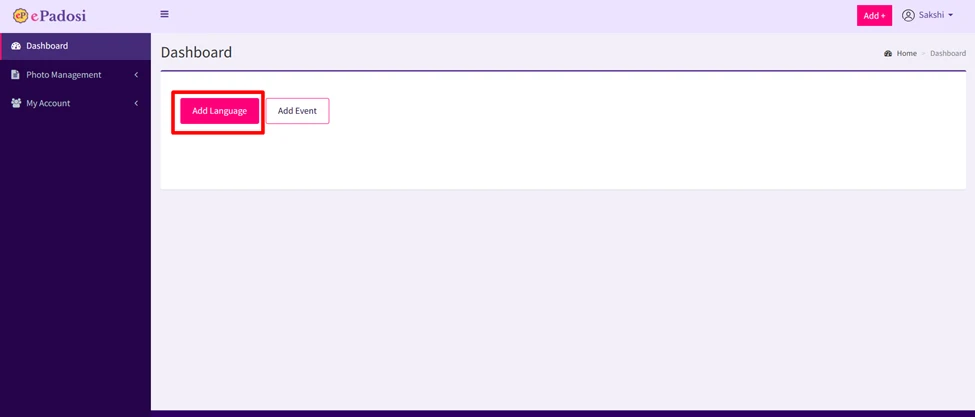
Step 1. Login as user, and click on the “Add Language” button as shown in the below image.
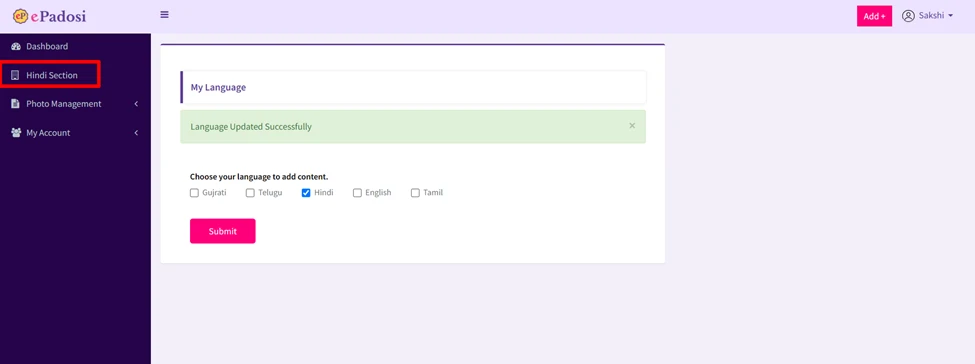
Step 2. After clicking on the add language button, the option to choose language will appear, so select any one language on this page and “submit” it.

Step 3. As soon as you choose a language and submit it, the section for that language will be added to the left bar of your dashboard as shown in the below screen.
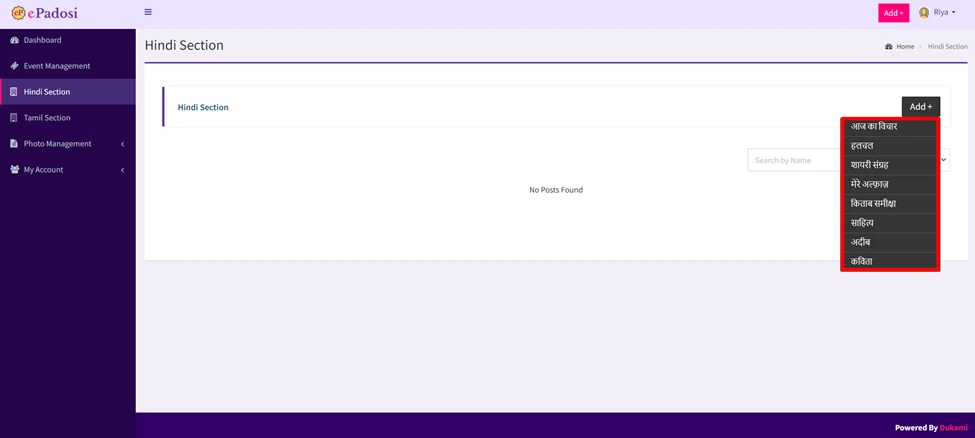
Step 4. Now if you go to the Hindi section and hover over the add button, you will see all the Hindi categories. Write whatever you want to add from them. If you want to add a Hindi poem, you will select the poem.
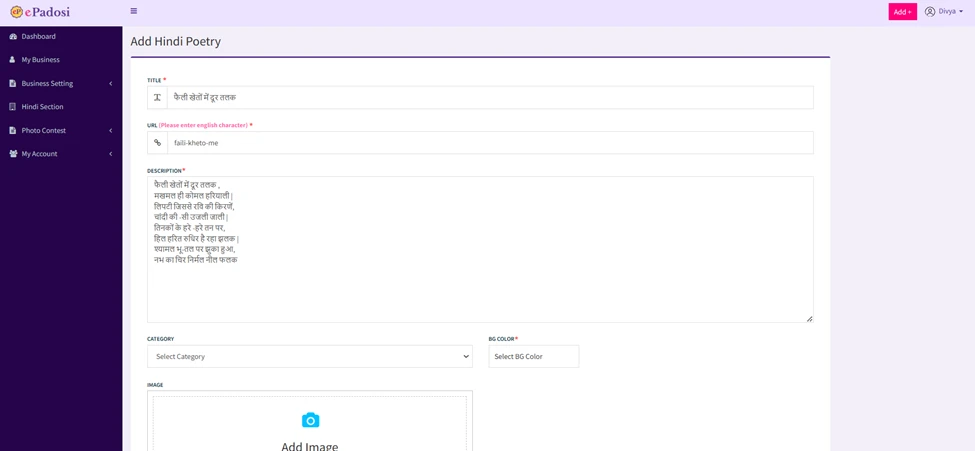
Step 5. As soon as you select the poem, the form will open. Now fill this form and click on “submit” button. To add hindi poetry you can see the below image.
Note:- You can use Hindi typing or any other Hindi editor/translator tool and just copy paste it in the description here as you can see n the below image.
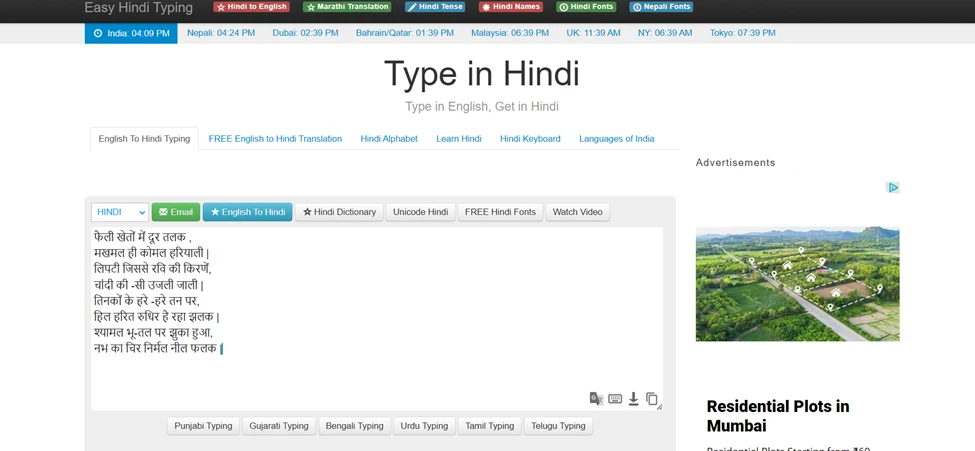
if you don't have any editor then you can use this free editor, the link of which is mentioned here:-
https://www.easyhindityping.com/
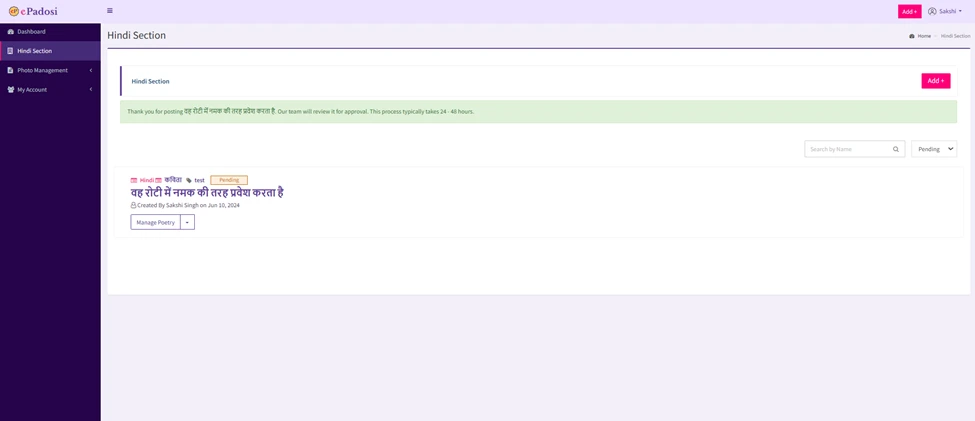
Step 6. After submitting the form, the poem will be added and will appear in the list like this.
Note : your post will remain pending until the admin approves it within 48 hours, then your post will become live and you can see and share your post with your family and friends.